Undaunted Ventures LLC
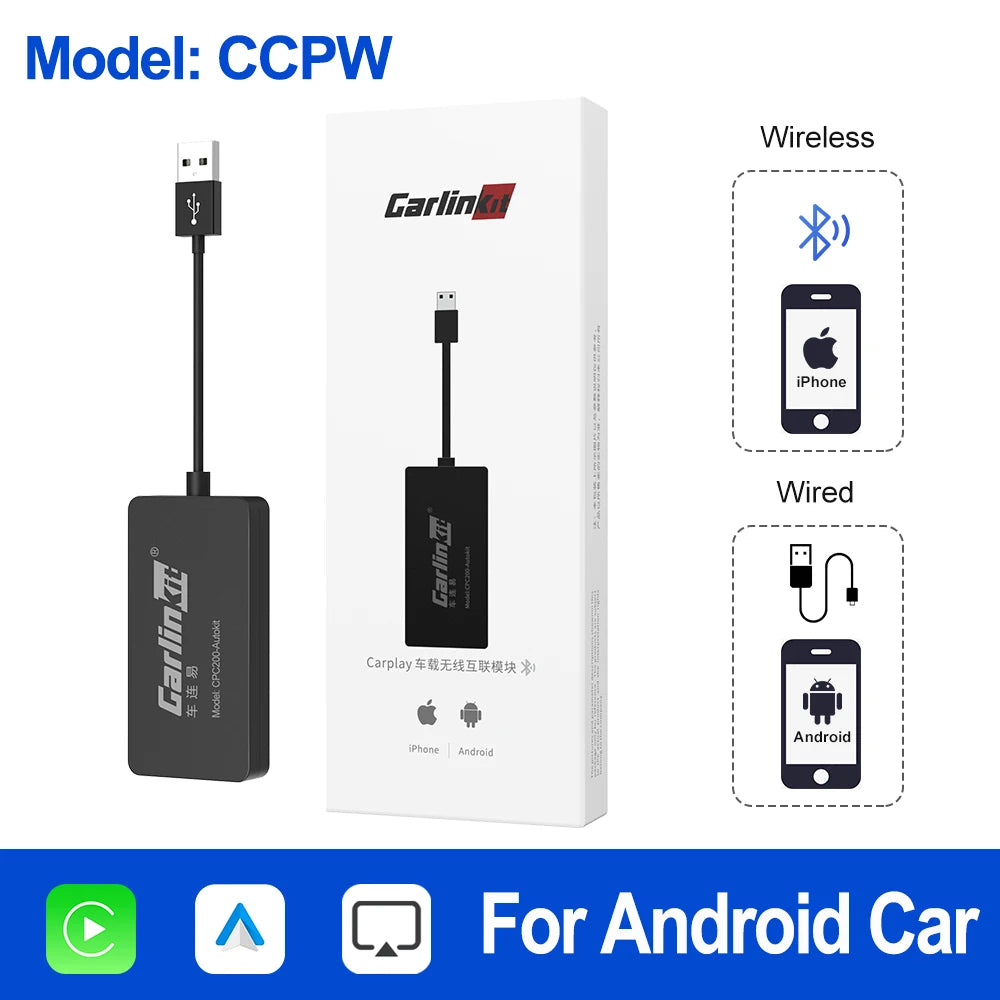
Carlinkit Wireless CarPlay USB Dongle Android Auto Adapter for Android Car Head Unit Multimedia Player Mirrorlink Autokit Box
Carlinkit Wireless CarPlay USB Dongle Android Auto Adapter for Android Car Head Unit Multimedia Player Mirrorlink Autokit Box
Couldn't load pickup availability
SPECIFICATIONS
Brand Name: Carlinkit
High-concerned chemical: None
Model: CPC200-autokit
Origin: Mainland China
Suit for Car System: android version 4.4 +
Suit for phone: for iPhone & Android phone
Suitable for: Aftermarket Android Head Unit
Support language: English /Chinese / Japanese / Arabic / French / Turkish / German and more
device version: iOS 10+ & Android 4.4+
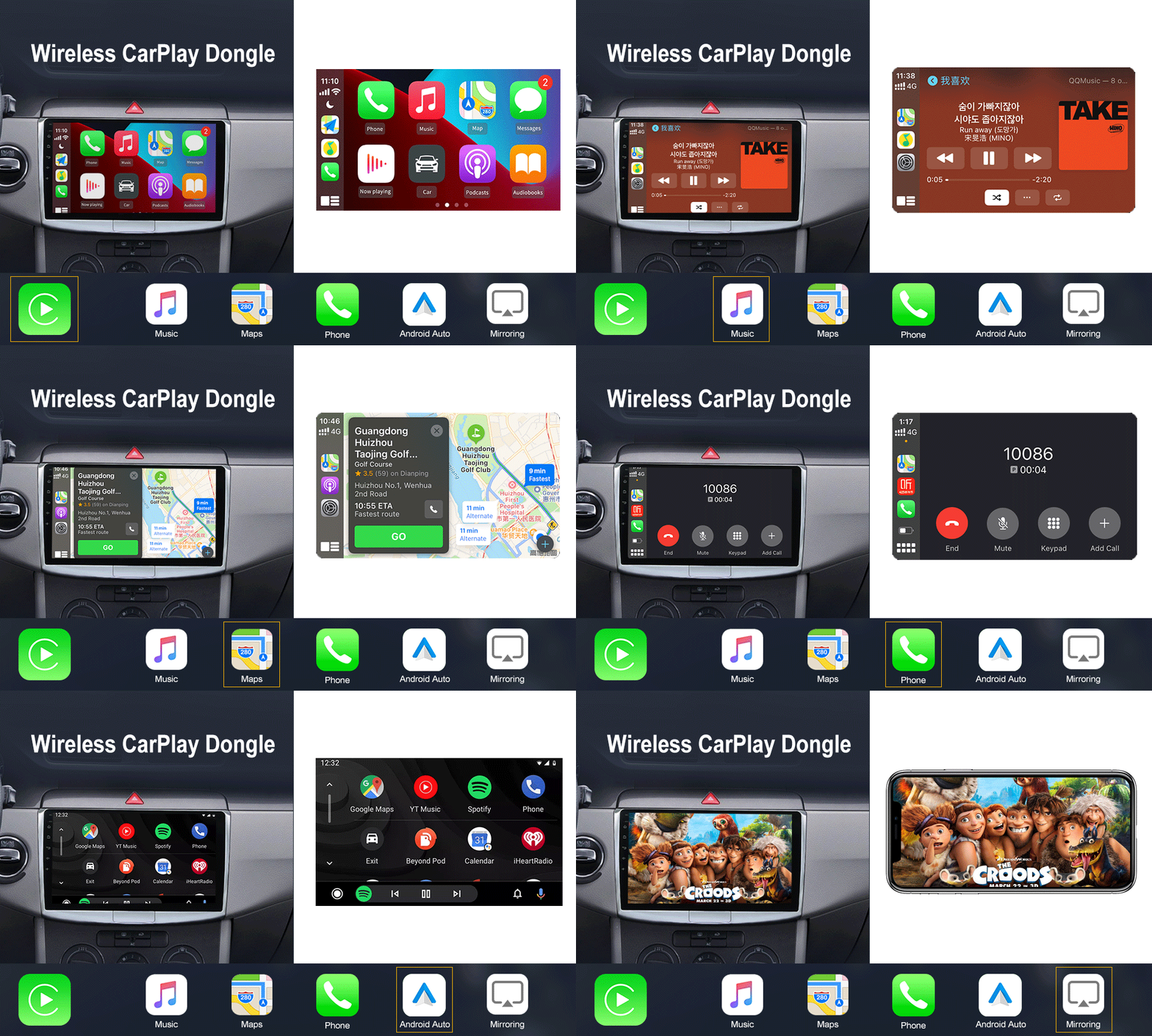
function 1: Wried & Wireless Carplay
function 2: wired Android Auto
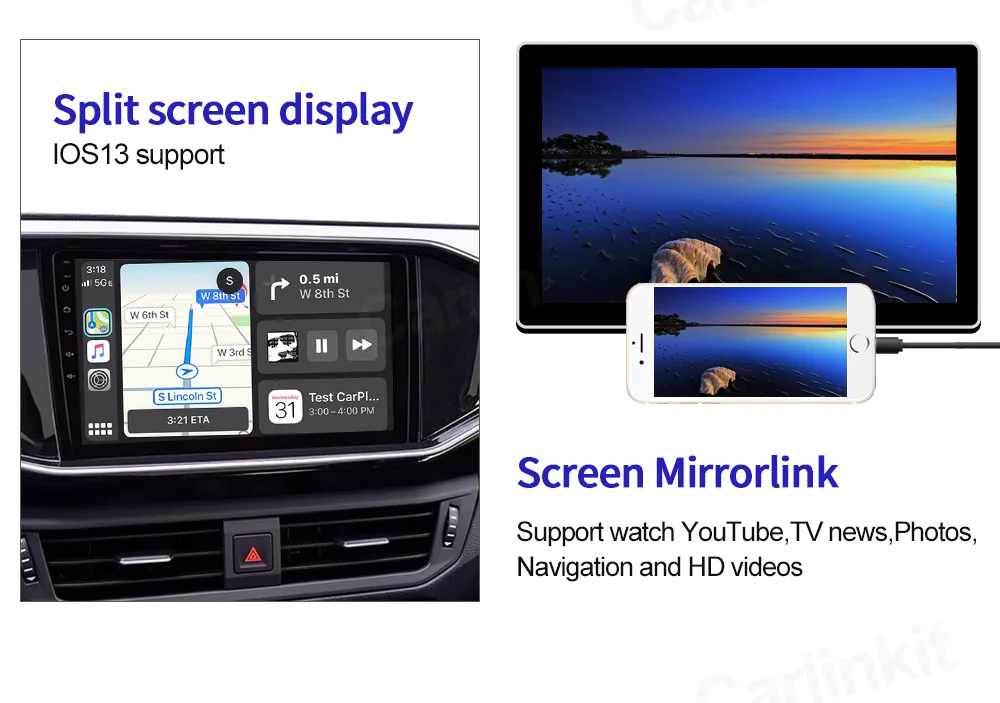
function 3: Wired mirrorlink
Description:
Carlinkit Wireless CarPlay Dongle for Android Head unit
●This product does not compatible with original factory car screen .
●This product support 99% aftermarket Android head unit and 99% iPhone/Android phone.
●This product does not works well on WinCE car.
Conditions of Use(Android Unit)
Customer please be sure your Adroid head unit Android version is 4.4.2 and above
We suggest customer install APK in your car before purchase this product.
Prouduct feature:
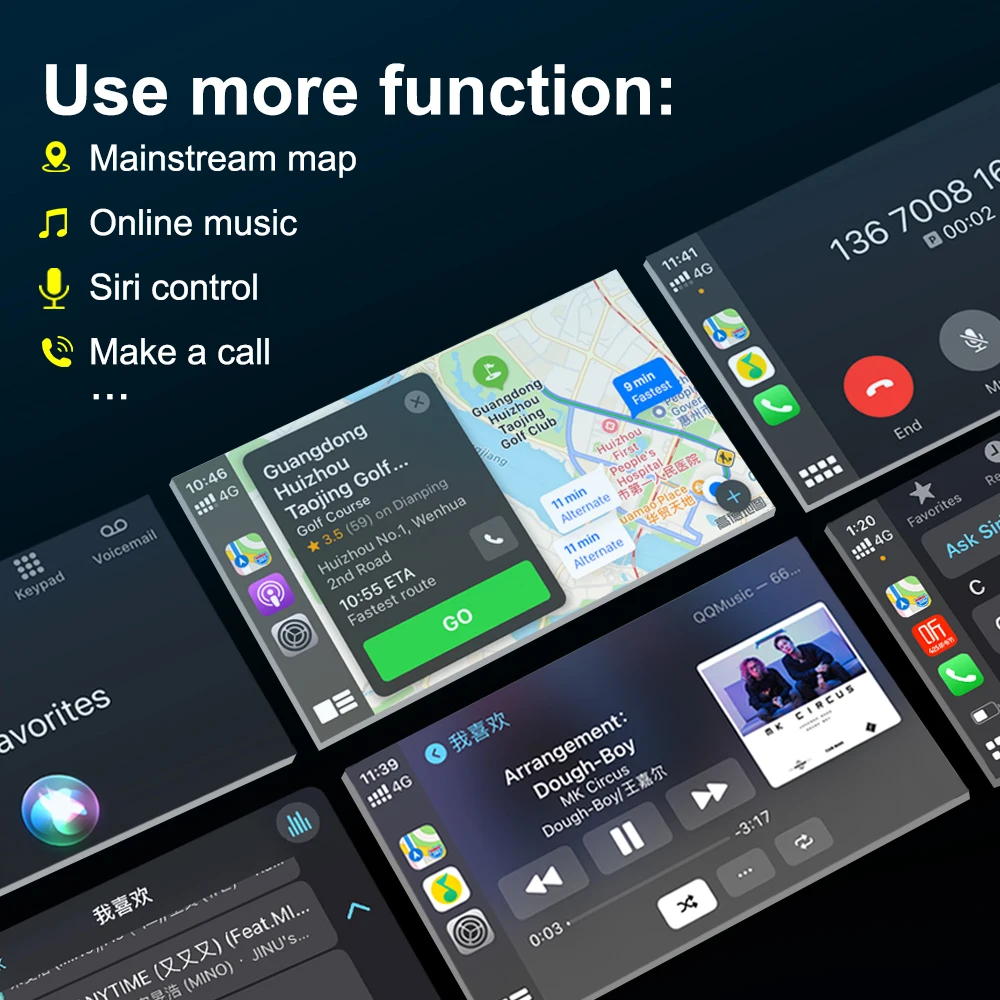
●Voice Control:
Support Siri/Music/Maps/Phone calls/Messages/Audio books.
Siri function help you call anyone of your friends.
Our device's operating speed is according your phone's ios speed.
●Touch screen and HD Display:
Directional control and view your phone on the car navigation screen with USB cable.
●Hands Free and Safe driving:
Make/answer calls, check voice mails, text messages and bring up maps.
Listen to your favorite songs using iTunes, Apple Music or installed apps for hands free.
How to install APK ?
http://121.40.123.198:8080/AutoKit/AutoKit.apk
1. Format USB flash drive to FAT32 firstly. 2.Put APK file to the USB flash drive(Blank).
3. Insert the USB flash drive into the USB port of car, find the file management menu, select the APK file to install it.
4. The navigation interface comes out with an "Autokit" icon.
Another way to install APK: "carlinkit.com/autokit.apk”enter this URL on your
car screen( your car must Connect Network), and
then install it.